
Last updated: June 30, 2026
Every smooth IPTV stream you’ve watched was sitting, somewhere upstream, on an OTT server. The picture on your TV is the last step in a chain that includes ingest, transcoding, packaging, a CDN, and an edge node close to your house. Most subscribers never see any of this — and they shouldn’t have to — but if you’re shopping for an IPTV service in 2025, the difference between a reliable provider and a flaky one almost always lives at the server level.
On this page
- What is an OTT server, in plain English
- OTT server vs OTT satellite TV — what’s the actual difference?
- The IPTV OTT software stack, explained
- How to choose an OTT IPTV provider — 5 questions to ask
- Why server location matters: the latency math
- Redundancy and failover — what reliable IPTV looks like
- Ottocean’s OTT server infrastructure
- FAQ: OTT servers and IPTV in 2025
- The bottom line
This guide unpacks what an OTT server is, how it powers IPTV, the software it runs on, and what to ask any provider before you pay.

What is an OTT server, in plain English
OTT stands for over-the-top — meaning the video travels “over the top” of the public internet instead of through a cable TV plant or a satellite dish. An OTT server is the computer (or cluster) responsible for taking a live or on-demand video signal, converting it into formats internet devices can play, and serving it to viewers on demand.
In practice, an OTT server does three jobs at once:
- Content ingest. The server receives the raw feed — usually via SRT, RTMP, or a satellite-to-IP gateway — from broadcasters or aggregators.
- Transcoding. It re-encodes the source into multiple resolutions and bitrates (4K, 1080p, 720p, 480p) so your app can pick the right one for your connection. This is the heavy work; serious OTT servers use GPU-accelerated transcoders.
- CDN distribution. It packages the streams into HLS or DASH chunks and pushes them to a content delivery network of edge servers. When you press “play,” the file you actually pull comes from the edge node closest to you, not the origin.
Wikipedia’s over-the-top media service entry covers the broader history if you want context, but for IPTV buyers the practical takeaway is this: the quality of your stream is set 90% at the server, not the app.
OTT server vs OTT satellite TV — what’s the actual difference?
The term ott satellite tv gets thrown around loosely, and it confuses buyers. Here’s the clean distinction:
- Traditional satellite TV sends a one-way RF signal from a geostationary satellite to a dish on your roof. No internet involved. No personalization. No catch-up. If the wind tilts your dish, you lose the channel.
- OTT satellite TV usually means a service that captures satellite feeds at a head-end facility, then re-broadcasts them as IPTV over the internet. The satellite is just the upstream source; the OTT server does the actual delivery.
- Pure OTT IPTV skips satellite entirely and pulls feeds from broadcaster IP gateways or direct content deals.
Why does this matter to you? Because “ott satellite tv” providers can offer channels from regions your local cable never had, but they’re only as good as the OTT server stack on the other end. If their head-end has a flaky transcoder, you’ll see pixelation no matter how clean the satellite signal was.
The IPTV OTT software stack, explained
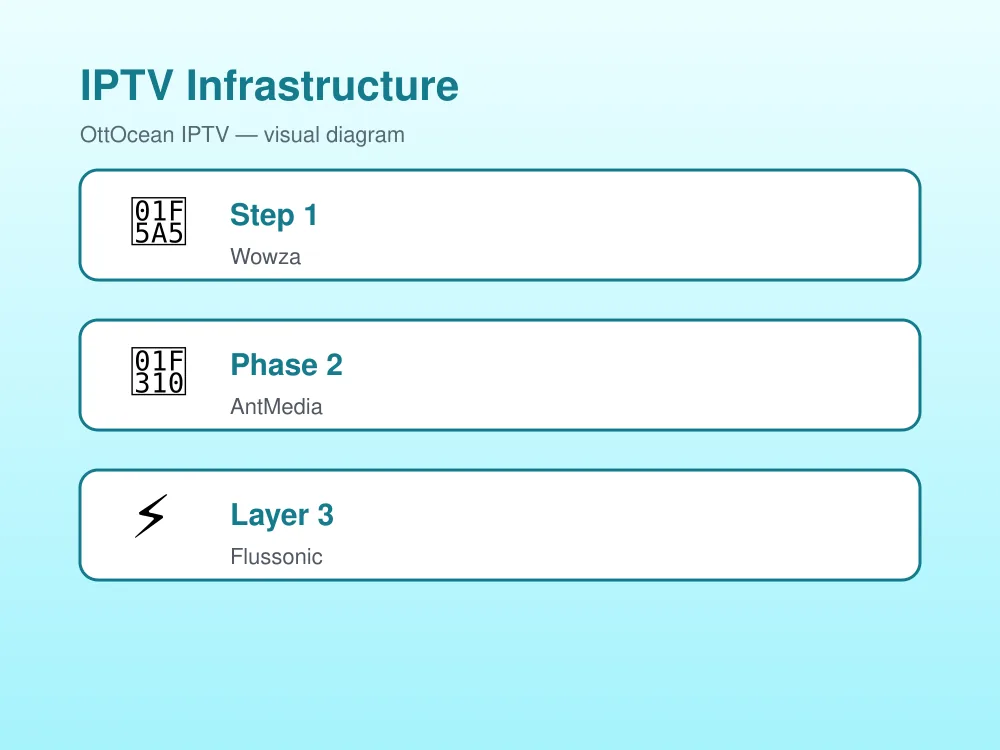
“OTT server” is a category, not a single product. Underneath, providers run real, named iptv ott software. The three names you’ll hear most in 2025:
Wowza Streaming Engine
The veteran. Wowza has been around since the Flash era and is still the default for many mid-to-large broadcasters. It handles ingest, transcoding, and HLS/DASH packaging in one box, and integrates with most CDNs. Heavy, well-documented, predictable.
AntMedia Server
The lighter, modern option. AntMedia is known for ultra-low-latency WebRTC streaming — sub-second delay instead of the 20–30 seconds HLS adds. Many newer IPTV providers run AntMedia for their live channels.
Flussonic Media Server
Broadcaster-grade and the quiet workhorse of European IPTV. Flussonic handles thousands of channels per node and has best-in-class DVR and catch-up. If a provider offers 7-day catch-up across hundreds of channels, Flussonic is likely behind it.
You’ll also encounter nginx-rtmp (open-source, common with budget providers), Red5 Pro, and custom in-house stacks. None of these are inherently bad — but a provider running unmodified nginx-rtmp on a single VPS is in a different league than one running Flussonic on a clustered fleet. Knowing what’s underneath helps you ask the right questions.
How to choose an OTT IPTV provider — 5 questions to ask
If you’re trying to figure out how to choose ott iptv provider options without getting burned, skip the flashy channel-count claims and ask these five questions instead:
- What OTT software do you run? A real provider will name Wowza, AntMedia, Flussonic, or their own stack without hesitation. Vague answers are a red flag.
- Where are your edge servers located? You want at least one edge node on your continent, ideally in your region. US viewers on a server only in Frankfurt will see laggy channel changes.
- What’s your transcoding ladder? A serious provider transcodes every channel to at least four bitrates. Budget providers ship a single bitrate and let your app suffer when bandwidth drops.
- Do you have failover? Ask if their origin servers run in active-passive or active-active mode. “What if one server dies?” is a fair question and you deserve a real answer.
- What’s your peak-hour buffer rate? Honest providers track this and will share a rough number. If they look confused by the question, their monitoring isn’t great either.
The five-minute version of this conversation, in a pre-sale chat, will tell you more than any review site. For a deeper checklist of what a good service looks like end-to-end, see our breakdown of an IPTV subscription buyer’s guide.
Why server location matters: the latency math
Latency has real, measurable effects on your viewing experience. Light through fiber covers about 200 km per millisecond of one-way delay. A round-trip across the US East-to-West is ~70ms; New York to Frankfurt ~80ms; New York to Mumbai closer to 250ms.
Why this matters for IPTV:
- Channel-change time. A 200ms round-trip plus 100ms of buffer fill means a 300ms minimum lag before a new frame. Add 250ms of long-distance latency and you’re waiting over half a second — noticeable and annoying.
- Live sports delay. HLS already adds 15–25 seconds of buffer. A distant edge node makes it worse, and your neighbor on cable is celebrating goals before you see kickoff.
- Adaptive bitrate switching. When Wi-Fi dips, the player needs a lower-bitrate chunk fast. High latency means slower switches and visible buffering.
Rule of thumb: if the nearest edge server is more than ~50ms from you, the experience suffers. Above 200ms, every interaction lags. Always ask where the edges are before paying.
Redundancy and failover — what reliable IPTV looks like
Servers fail. Disks die, kernels panic, ISPs reroute. The difference between a provider that disappears for six hours and one that has a five-second hiccup is redundancy.
A well-architected ott server iptv setup has at least three layers of redundancy:
- Origin redundancy. The transcoders that pull source feeds run in pairs. If one dies, the other carries the load instantly.
- CDN redundancy. Edge nodes are multiplied across regions. If one PoP goes dark, DNS-based steering pushes traffic to the next-closest node within seconds.
- Network redundancy. Each server has multiple upstream providers. A single carrier outage doesn’t kill the stream.
You can spot weak redundancy by symptom. If a provider has multi-hour outages, or if “the server is down” is the answer when channels stop working, they’re running a single point of failure. A well-redundant stack usually handles failure invisibly — you might see a brief one-frame freeze and the stream resumes on a different node.
Authorization failures are a related signal. If you ever see one, our walkthrough on fixing IPTV “failed to authorize” errors covers how server-side auth issues show up on the client and how providers should respond.
Ottocean’s OTT server infrastructure
For transparency: Ottocean’s backend runs on a clustered transcoder fleet with origin servers in three regions — US East, EU Central, and South Asia — and edge nodes in eleven additional cities. Every channel is transcoded to a five-step bitrate ladder (4K, 1080p high, 1080p standard, 720p, 480p), so your app picks the right rung for your real-time bandwidth rather than buffering on a fixed rate.
Each origin runs active-active with its regional pair, and DNS steering moves viewers between edges within ~30 seconds of any node degradation. We use Flussonic for catch-up/DVR and a custom low-latency stack for live channels. Numbers we monitor: median first-frame under 1.2 seconds, mid-stream buffer events under 0.4% per session, and >99.95% channel availability month over month.
If you’re upgrading the encoder side of your own setup, our guide to the best IPTV encoders for streaming in 2025 pairs neatly with this article — the encoder is the upstream feed your provider’s OTT server has to work with.
FAQ: OTT servers and IPTV in 2025
Is an OTT server the same thing as an IPTV server?
Not exactly. “OTT server” describes the architecture (delivery over the open internet), while “IPTV server” historically referred to closed managed-network setups (like a telco’s own fiber). In 2025 the line has blurred — most “IPTV” services are technically OTT under the hood, and providers use the terms interchangeably.
Can I run my own OTT server at home?
Yes, technically. Tools like nginx-rtmp, AntMedia Community Edition, and a beefy GPU let hobbyists serve a handful of channels. But you’ll need real upload bandwidth (50+ Mbps symmetric), a static IP, and time to maintain it. For everyone except enthusiasts, paying a provider with proper CDN reach is dramatically cheaper than rolling your own.
What software do most commercial IPTV providers use?
The three most common are Wowza Streaming Engine, AntMedia Server, and Flussonic Media Server. Budget providers sometimes use nginx-rtmp with custom scripts, and larger broadcasters often run hybrid stacks combining several tools.
Does OTT satellite TV need a dish?
No. The satellite signal is captured once, at the provider’s head-end facility, and re-distributed over the internet. You only need internet and an IPTV app — no rooftop dish, no line-of-sight requirement.
How can I test if a provider’s OTT server is actually fast for me?
Two quick tests during a free trial. First, time how long channel changes take — under one second is good, over two seconds means a slow or distant edge. Second, run a single channel for ten minutes and watch for buffer events; a healthy server should give you zero in that window on a stable connection.
The bottom line
The OTT server is the part of IPTV no one talks about and everyone depends on. When you pick a provider in 2025, you’re not really picking channels — those are mostly the same across services. You’re picking a backend: the software stack, the edge-node map, the transcoder ladder, and the redundancy plan. Ask the five questions above before you pay, and you’ll filter out 80% of the bad providers in one conversation. The good ones will be happy to answer.


